


You are currently on the Hong Kong (香港) site.
Select a location to view location-specific content and shop online.
Razer Members Week: Redeem raizer.live codes now at 30% off and prepare for stacked rewards arriving Sep 7. Unlock Codes


Description not needed: The visuals in this video animation only support what is spoken; the visuals do not provide additional information.
THE RAZER SOMA LINE

THE RAZER ISKUR LINE


THE RAZER ENKI LINE
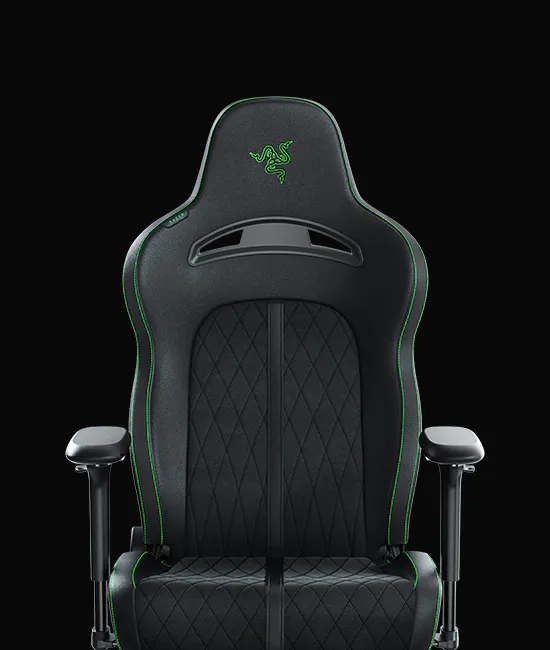
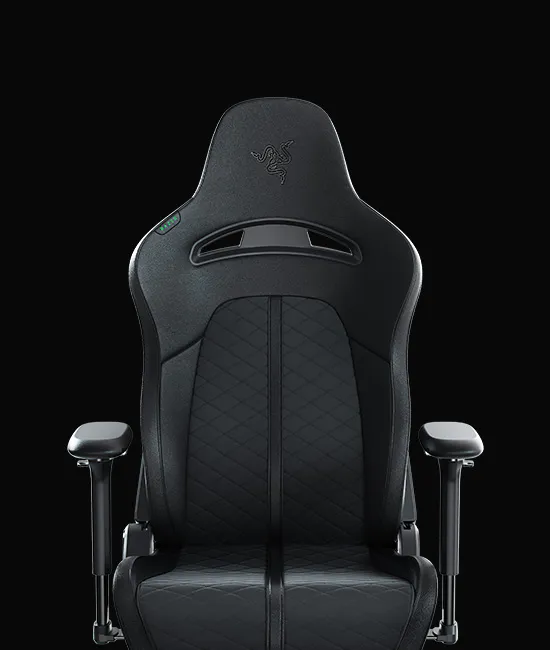
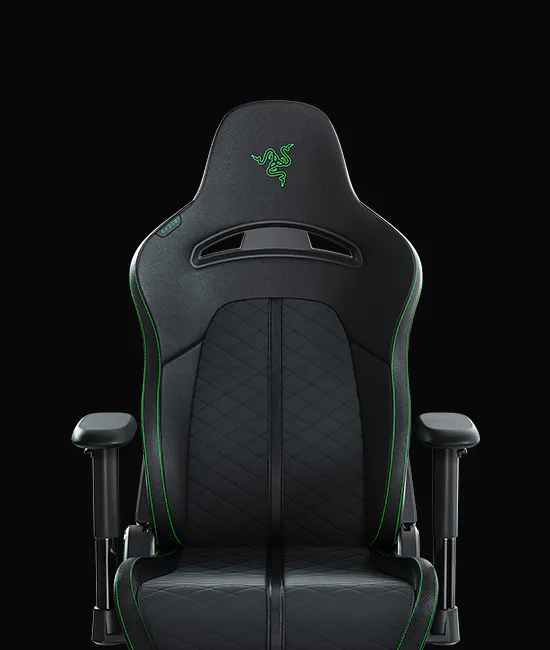
THE RAZER FUJIN LINE
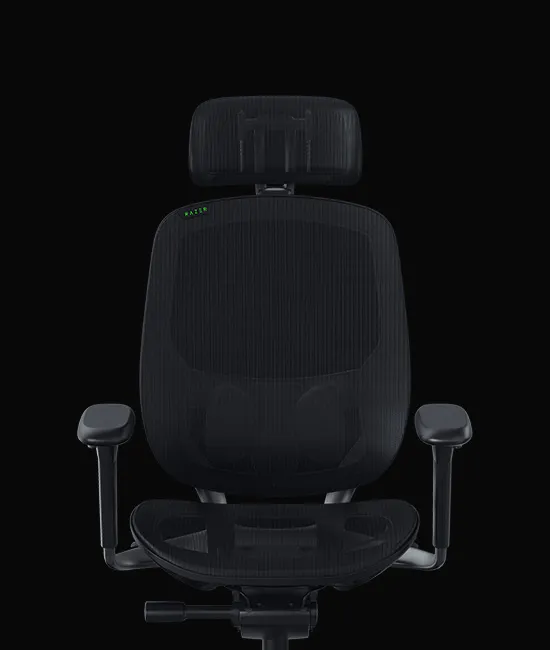
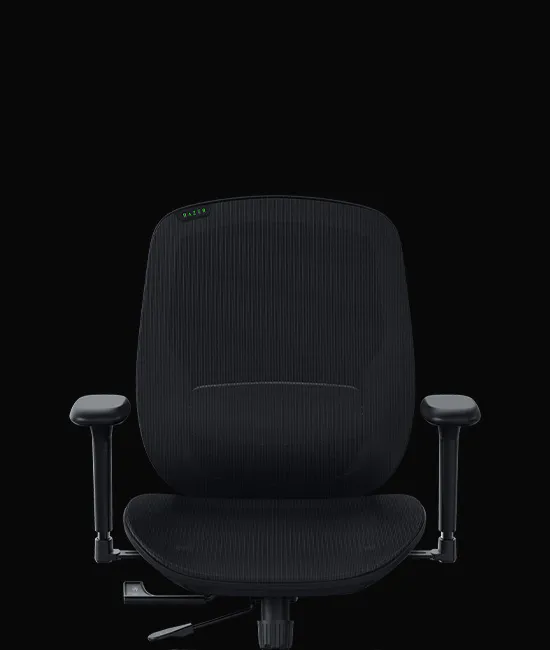
THE RAZER CLIO LINE
RAZER CLIO

RAZER CLIO X

FEEL EVERY MOMENT
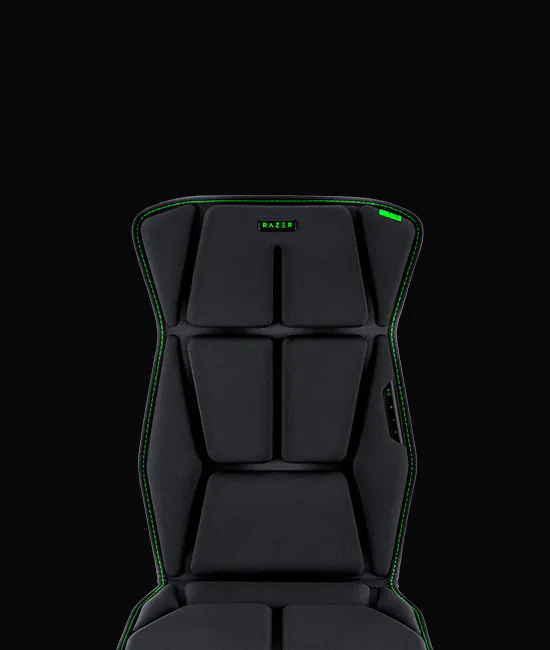
This is a carousel with highlighted items. Use the Previous and Next buttons to browse through 3 slides.


LICENSED EDITIONS
End of carousel
WHICH GAMING CHAIR IS RIGHT FOR YOU?
RAZER GAMING CHAIRS - FREQUENTLY ASKED QUESTIONS
-
Which Razer gaming chair fits my height, weight, or body type best? Razer's gaming chair lineup – Iskur, Enki, Fujin, and Soma is designed to fit a range of body types, from adjustable seat depth and width to lumbar and armrest positioning. Each line takes a different approach to fit and support, so the best match depends on your height, build, and how you sit. See the comparison chart above for model-specific dimensions. -
Can a Razer gaming chair also work as my everyday office or work-from-home chair? Yes. Razer's chairs are built for extended sitting across both work and gaming, with adjustable support designed to hold posture through long desk sessions as well as gaming sessions. Every line in our range is suited to daily use at a desk, not just gaming setups. -
How durable are Razer gaming chair mechanisms (gas lift, tilt, recline) for heavy daily use? Razer gaming chairs are engineered for daily, long-term use, with mechanisms, including height adjustment, tilt, and recline, built to hold up under regular heavy use. Exact mechanism specs vary by chair line; see individual product pages for details. -
Fabric, EPU synthetic leather, or mesh — which material is best for long gaming sessions? Razer offers gaming chairs in a range of materials, including breathable mesh, fabric, and synthetic leather to suit different climates and preferences. Mesh options (like Fujin) prioritize airflow, while fabric and leather options balance comfort with durability. The right material depends on your climate and how many hours a day you're seated. -
Will a Razer gaming chair fit in a small desk or compact room setup? Razer's gaming chair lineup includes different footprints and frame sizes, so there's a fit for both compact and larger setups. See the individual product pages for exact dimensions. -
What is the maximum weight capacity for Razer gaming chairs? Weight capacity varies by chair line to match each model's frame and build. See the comparison chart above for exact figures per model. -
How long do Razer gaming chairs last, and are they built to resist wear over time? Razer gaming chairs are built with durable materials designed to resist peeling, cracking, and wear from daily use. Warranty coverage varies by line — Enki and Soma come with a 3-year warranty for mechanisms and moving parts (Iskur V2 series extendable to 5 years total), and Fujin offers up to 5 years across different chair parts. Warranty excludes standard wear and tear. -
Is a premium gaming chair worth it compared to a budget option? Premium gaming chairs like Razer's Iskur, Enki, Fujin, and Soma lines invest in adjustability, material quality, and mechanism durability that budget chairs typically can't match — differences that matter most for players and professionals sitting for long hours daily. The right choice depends on how many hours a day you're seated and how long you want the chair to last. -
Are Razer gaming chairs used by esports teams and professional players? Yes. The Razer Iskur V2 NewGen is recognized as the No. 1 chair used by pros (Source: Prosettings.net, "Razer Iskur V2 NewGen Review," April 2, 2026), trusted by the world's best teams and players for competitive play and long hours of use. Razer gaming chairs have also been featured at major tournaments including PAX East 2026 in the US, VCT EMEA 2026 in Europe, and EVO Japan 2026. -
What's the difference between Razer's gaming chair lines — Iskur, Enki, Fujin, and Soma? Razer's four chair lines are each built around a different priority: Iskur focuses on ergonomic adjustability and posture support, Enki on weight distribution and all-day comfort, Fujin on breathable mesh construction, and Soma on immersive gaming. See the comparison chart above to find the best match for your needs. -
How do I clean and maintain my Razer gaming chair? Razer chairs require minimal maintenance to stay in optimum condition. We recommend cleaning your chair once a month using a soft or microfiber cloth lightly dampened with warm water to prevent perspiration and dirt buildup. Clean up spills immediately to avoid stains, and let the chair air dry completely before use. Avoid soap, harsh chemicals, or abrasives, as these can damage the chair's materials. For chairs with electronic components (such as Soma), disconnect from power before cleaning, and use a dry cloth only on control panels and lighting elements. See your chair's product guide for model-specific care instructions. -
What's included in the box when I buy a Razer gaming chair? Every Razer chair ships with the chair itself, an Important Product Information Guide (IPIG), and a hex key tool for assembly. Some lines include a head cushion, while others don't, check your specific model's product page for details. Clio series and Freyja are additional immersive accessories sold separately to enhance your setup. -
Can gaming chairs provide relief from back pain or posture‑related issues? Yes. Razer gaming chairs such as the Iskur, Enki, and Fujin, are designed with integrated lumbar support and adjustable arms to solve such issues. We work with and provide gaming chairs for the world's top esports players and working professionals, so we understand the importance of having a comfortable, adjustable and supportive gaming chair that allows everyone to perform at their best. -
How do I begin choosing a comfortable gaming chair? The first step is to determine what type of comfort and support is most appealing to you. We’ve built three chair lines that each offer a unique experience.
If ergonomics and good posture are a priority, the Iskur V2 NewGen is our premium gaming chair that focuses on optimal back support and all‑round adjustability.
If all-day comfort is key, our Enki line is designed for optimal weight distribution to minimize pressure and sitting fatigue, making it the perfect gaming chair for long hours of use.
If staying cool and comfortable is a big factor, then our Fujin line of mesh gaming chairs will help you stay well-ventilated thanks to their breathability and adjustability. -
Can I use Razer Clio with any gaming chair? Razer Clio is designed as a gaming chair accessory and attaches to compatible gaming chairs using adjustable straps. Check the individual product page for compatibility and installation details. -
Does Razer Clio work without a gaming headset? Yes. Razer Clio features integrated near-field dual speakers that deliver immersive audio directly toward your ears, providing a headset-like listening experience without the need to wear a headset. It can also be paired with your existing front speakers via Synapse 4 for a richer surround sound setup, no headset required either way.