

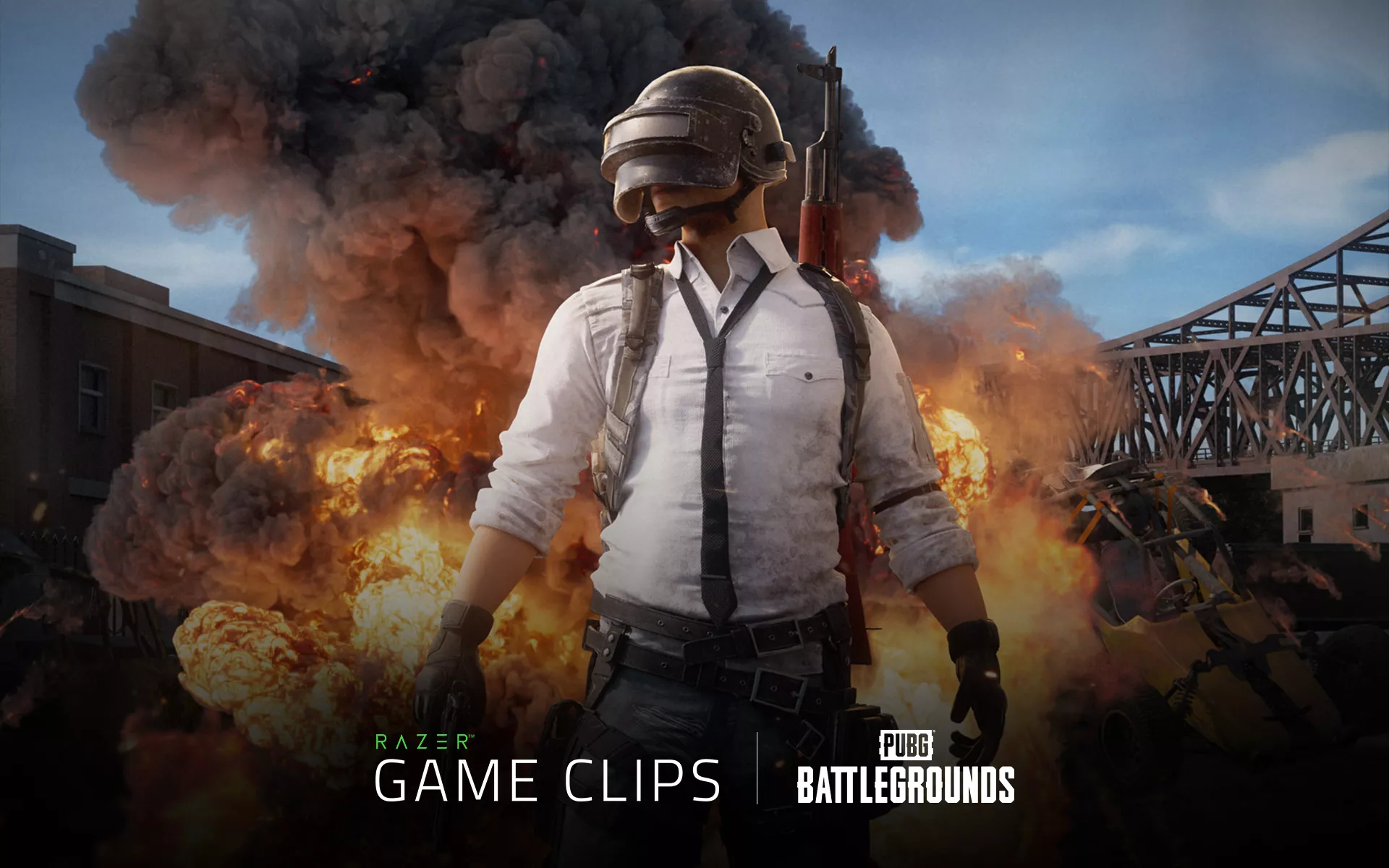
In PUBG: BATTLEGROUNDS, the moments worth saving often happen before you have time to think about recording them. A quiet rotation can turn into a long-range pick, a difficult clutch, or the final fight that secures the chicken dinner, all within seconds.
These are the plays your squad keeps talking about after the match, including the ones that become harder to prove with every retelling. With Auto-Clipping support for PUBG: BATTLEGROUNDS now available through Razer Cortex Game Clips, key match moments can be captured automatically while you stay focused on the fight.
Stay in the Fight While Auto-Clipping Saves the Moment
Razer Cortex Game Clips is a gameplay recording feature within Razer Cortex that gives you one place to capture, manage, and revisit your highlights.
Its Auto-Clipping feature recognizes supported in-game events and records them automatically while you play. Instead of starting a recording before every match or reaching for a hotkey when a fight begins, you can remain focused on the game while Razer Cortex Game Clips handles the capture in the background.
For PUBG: BATTLEGROUNDS, Auto-Clipping can capture Knocked Out, Eliminated, and Winner Winner Chicken Dinner events as they happen.
Knocked Out
Whether the knock comes from a clean headshot across the map or a close-range spray at the end of a chase, Auto-Clipping captures the moment your opponent goes down.
You can continue watching for the revive and tracking the rest of the squad without interrupting the fight to save the play.
Eliminated
When a knock becomes an elimination, Auto-Clipping records the moment the opponent is taken out of the match.
The resulting clip gives you a clear record of how the encounter ended, ready to revisit after the match or share with your squad.
Winner Winner Chicken Dinner
The final circle is rarely the time to wonder whether your recorder is running. When you become the last player or squad standing, Auto-Clipping saves the victory moment so you can revisit the closing fight once the pressure is off.
Why Auto-Clipping Fits the Rhythm of PUBG
Sometimes, a PUBG match can pass without a major fight. You may spend that time looting, rotating through the zone, tracking distant gunfire, and deciding when it is worth giving up a position.
That pace can change without warning. A quiet stretch of the match can become a decisive encounter before you have time to prepare a recording, which is where automatic event capture becomes useful.
Once the fight begins, your attention needs to remain on what is happening in front of you. Auto-Clipping records supported events in the background so you can stay focused on the match instead of thinking about whether the moment is being saved.
Because the recordings are triggered by supported events, it is also easier to return to the moments you are most likely to revisit without searching through an entire session.
Your Best Moments, Ready After the Match
Captured moments are saved and organized in the Razer Cortex Game Clips library, ready to revisit once the match is over.
You can look back at the positioning that set up a knockout, review how the final circle unfolded, or study an encounter that did not go your way. When a moment is worth sharing, the clip is already there without requiring you to search through a full match recording.
Your Game Clips library can also sync to the cloud at no extra cost, helping you keep your highlights accessible on PC when you need them.
In PUBG, the moments worth saving rarely wait for you to reach for a recording hotkey. With Auto-Clipping support in Razer Cortex Game Clips, you can stay focused on the fight and return to those moments when the match is over.
Download Razer Cortex and start capturing your PUBG highlights automatically.
