

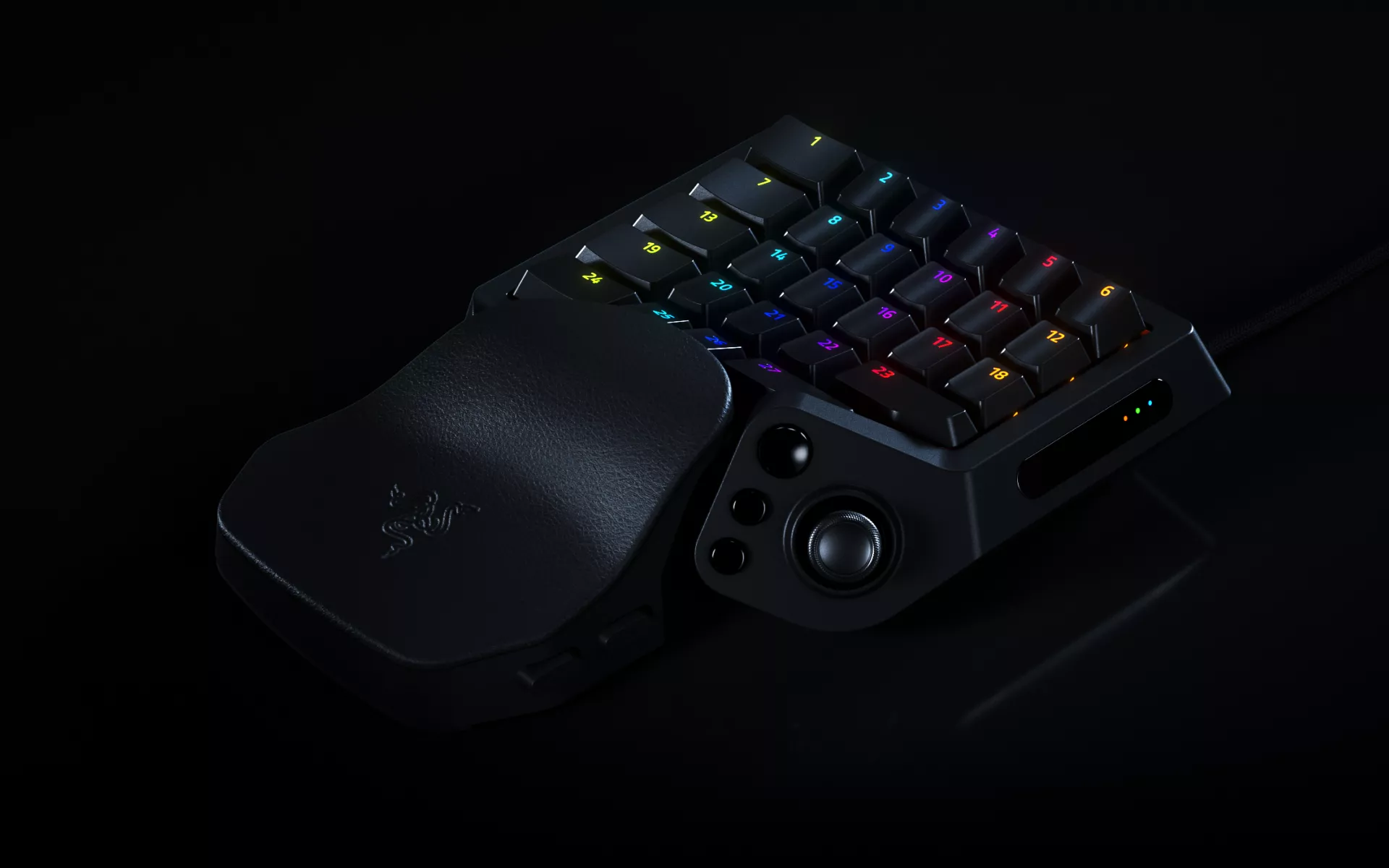
Modern games can demand a lot from one hand. Between movement, abilities, macros, inventory shortcuts, and communication, having your most-used commands within easy reach can make a meaningful difference to how you play.
Now, the next generation of Razer’s dedicated gaming keypad is here. Meet the Razer Tartarus V2 Pro, built to give you more precise input, deeper customization, and greater flexibility across different games and playstyles.
A New Generation of One-Handed Control
For years, Razer gaming keypads have given gamers a dedicated way to keep frequently used commands within reach of one hand.
The Razer Tartarus V2 Pro marks the first time all three come to a Razer gaming keypad: 8000 Hz HyperPolling, Razer Analog Optical Switches Gen-2, and the same TMR thumbstick technology found in Razer’s award-winning controllers.
Together, they give you more ways to tune how individual inputs respond, control movement, and build different layouts around the games you play.
Tune Every Press with Razer Analog Optical Switches Gen-2
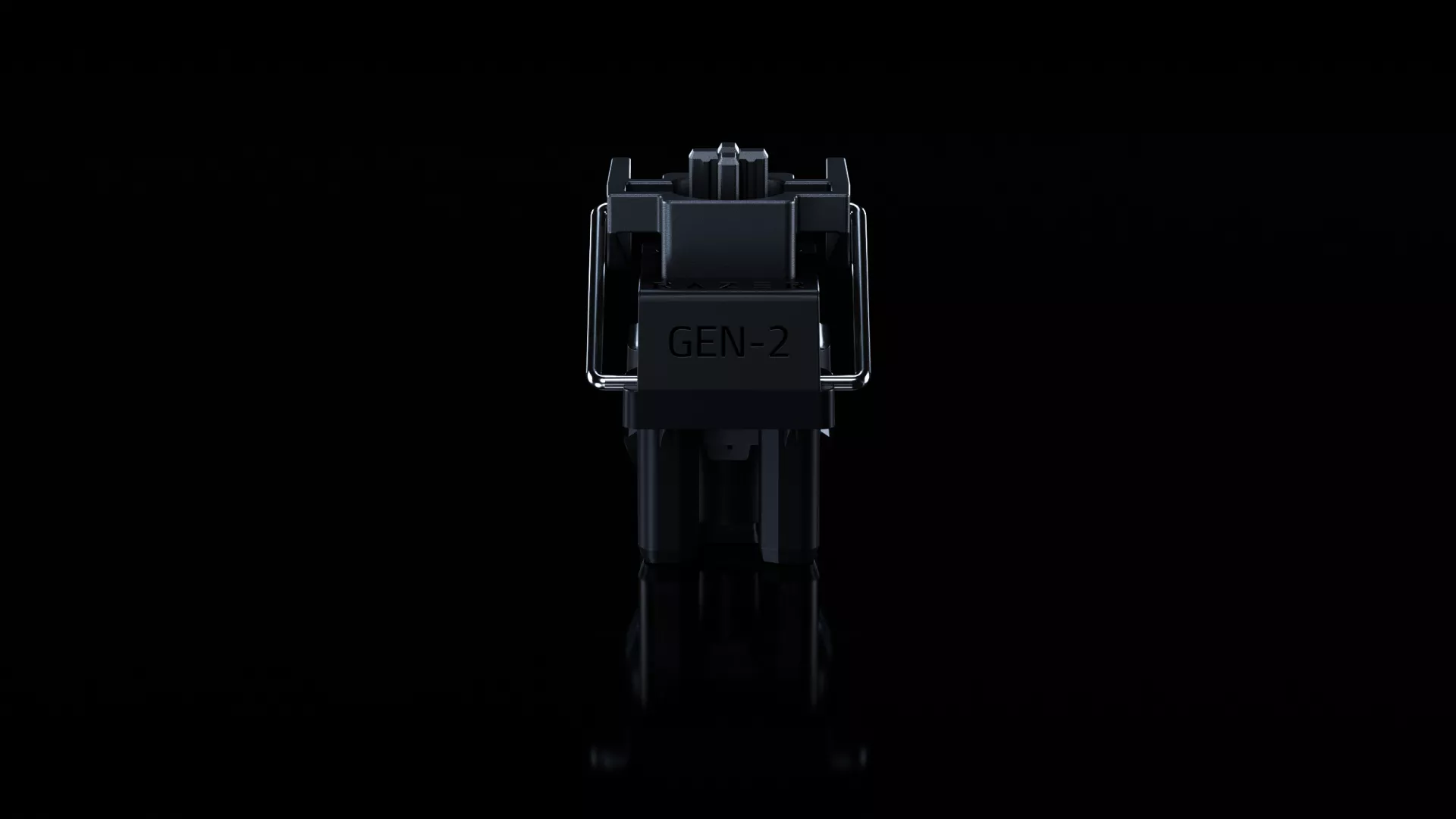
At the core of the Razer Tartarus V2 Pro are the Razer Analog Optical Switches Gen-2, giving you more control over how each input responds. Actuation can be adjusted from 0.1mm to 4.0mm per switch, letting you choose between a lighter press for faster inputs or a deeper actuation point when you want something more deliberate.
Rapid Trigger sensitivity can also be adjusted down to 0.1mm. Instead of relying on a fixed reset point, keys reset as you lift your finger, helping repeated inputs respond more quickly when timing and directional changes matter.
Each switch is individually lubricated and seated in a dense foam layer, for a more refined sound and feel, with a rated lifespan of 100 million keystrokes.
31 Programmable Controls, Built Around Your Hand
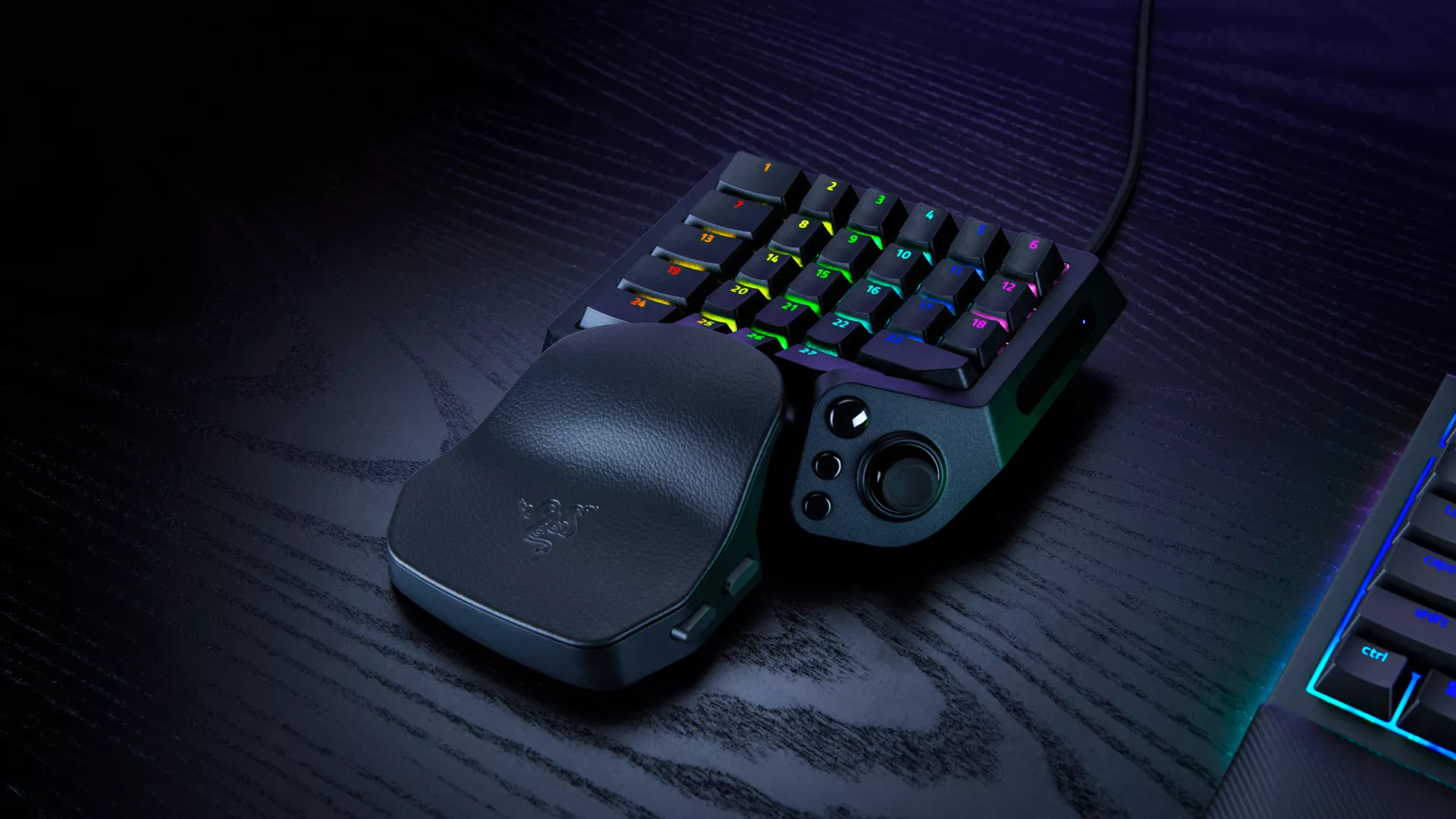
With 31 programmable controls, the Razer Tartarus V2 Pro lets you shape a layout around the commands you use most.
For an MMO, that could mean keeping abilities, modifiers, and utility commands within reach of one hand. In an FPS or action game, you can prioritize movement, equipment, communication, or other frequently used inputs.
At the center of that setup is a full-sized, anti-drift TMR thumbstick, supported by three dedicated thumb buttons. It can be used for directional input, radial-menu navigation, or other commands depending on how you prefer to configure your controls.
A Wrist Rest That Adapts to You
Control also depends on how comfortably the keypad fits your setup.
The wrist rest on the Razer Tartarus V2 Pro can slide outward and rotate left or right, giving you more freedom to find an angle that feels natural for your hand and wrist position.
That adjustability can be especially useful during longer sessions, where small changes in positioning may make the keypad easier to settle into.
Faster Input with 8000 Hz Razer HyperPolling
For games where input timing matters, the Razer Tartarus V2 Pro supports up to 8000 Hz HyperPolling, allowing inputs to be reported to your PC more frequently than the standard 1000 Hz polling rate.
It also brings Razer’s Advanced Input Control features to the keypad, including Snap Tap, Snap Flex, Dual-Keypress Priority, and Dynamic Keystroke.
These features give you more ways to control how simultaneous presses, actuation behavior, and different input combinations are handled, adding another layer of customization beyond key remapping.
Save Different Setups for Different Games
A control layout that works for one game may not make sense for another.
Through Razer Synapse, the Razer Tartarus V2 Pro can be configured with up to 24 keymaps across three onboard profiles, making it easier to maintain different setups across games and genres.
Actuation and Rapid Trigger settings can also be adjusted directly on the device. An onboard LED array provides visual feedback, so you can make key adjustments without opening software when you want to change how the keypad responds.
Textured doubleshot PBT keycaps round out the build, helping the controls maintain their feel and finish through extended use.
Put Your Commands Where You Want Them
A dedicated gaming keypad gives you another way to organize the controls you rely on most.
With its programmable controls, analog optical switches, TMR thumbstick, high polling rate, and extensive configuration options, the Razer Tartarus V2 Pro gives you more freedom to build a one-handed setup around the way you play.
Find out more about the Razer Tartarus V2 Pro and put total command under one hand.
