

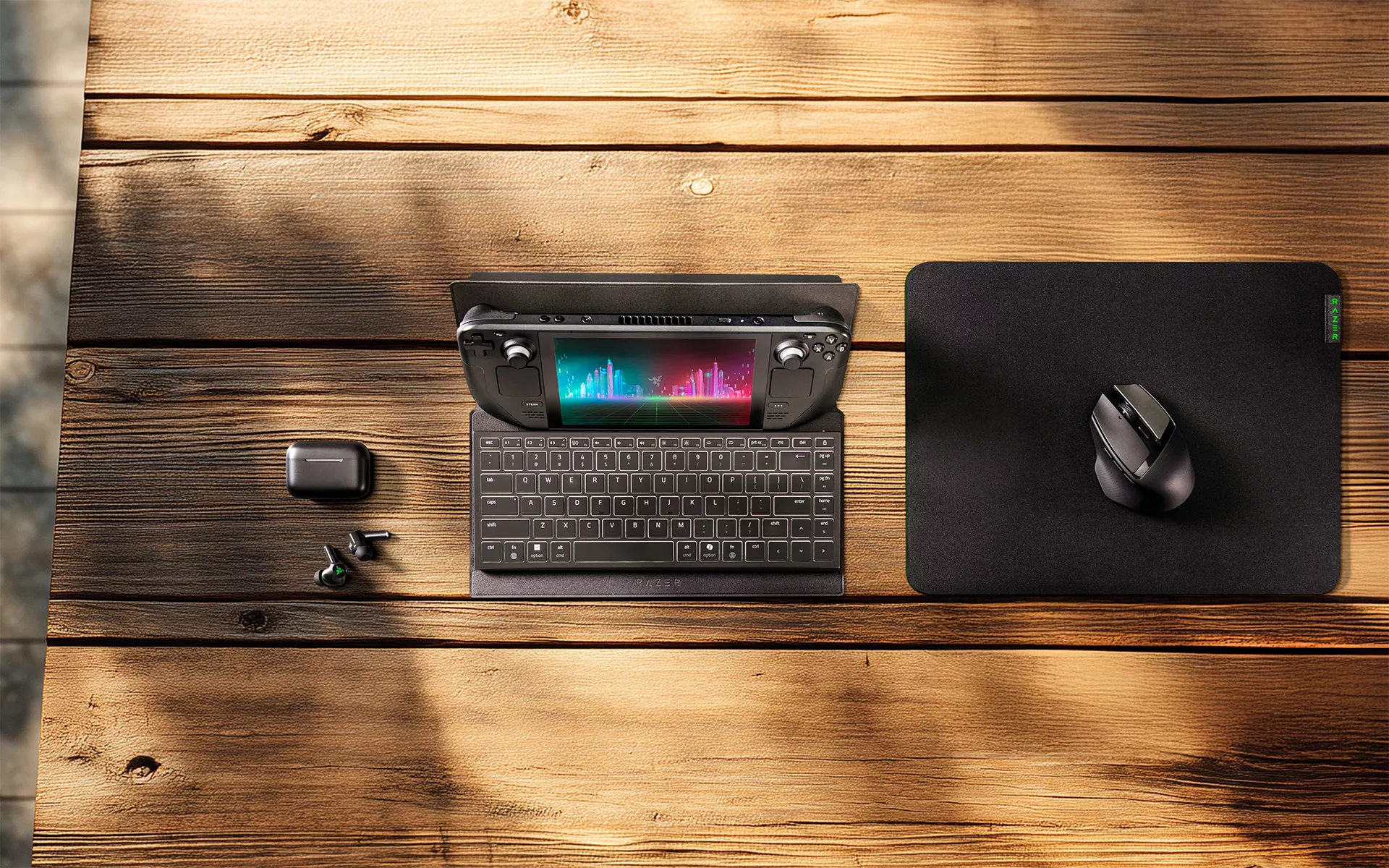
Gaming away from your desk can mean working with whatever space is available. A café table, hotel desk, tray table, or couch can all become part of your setup, but keeping your screen, keyboard, and gear comfortably arranged is not always straightforward.
The Razer Travel Case Folio for Portable Keyboards is designed to make that easier. It protects your keyboard while you are on the move, then unfolds into an adjustable stand for compatible tablets and gaming handhelds when it is time to set up. Pair it with the Razer Joro, or another compatible portable keyboard, and you have a compact setup that can adapt to wherever you want to play.
Here are six ways to make the most of it.
1. Turn your keyboard case into a device stand
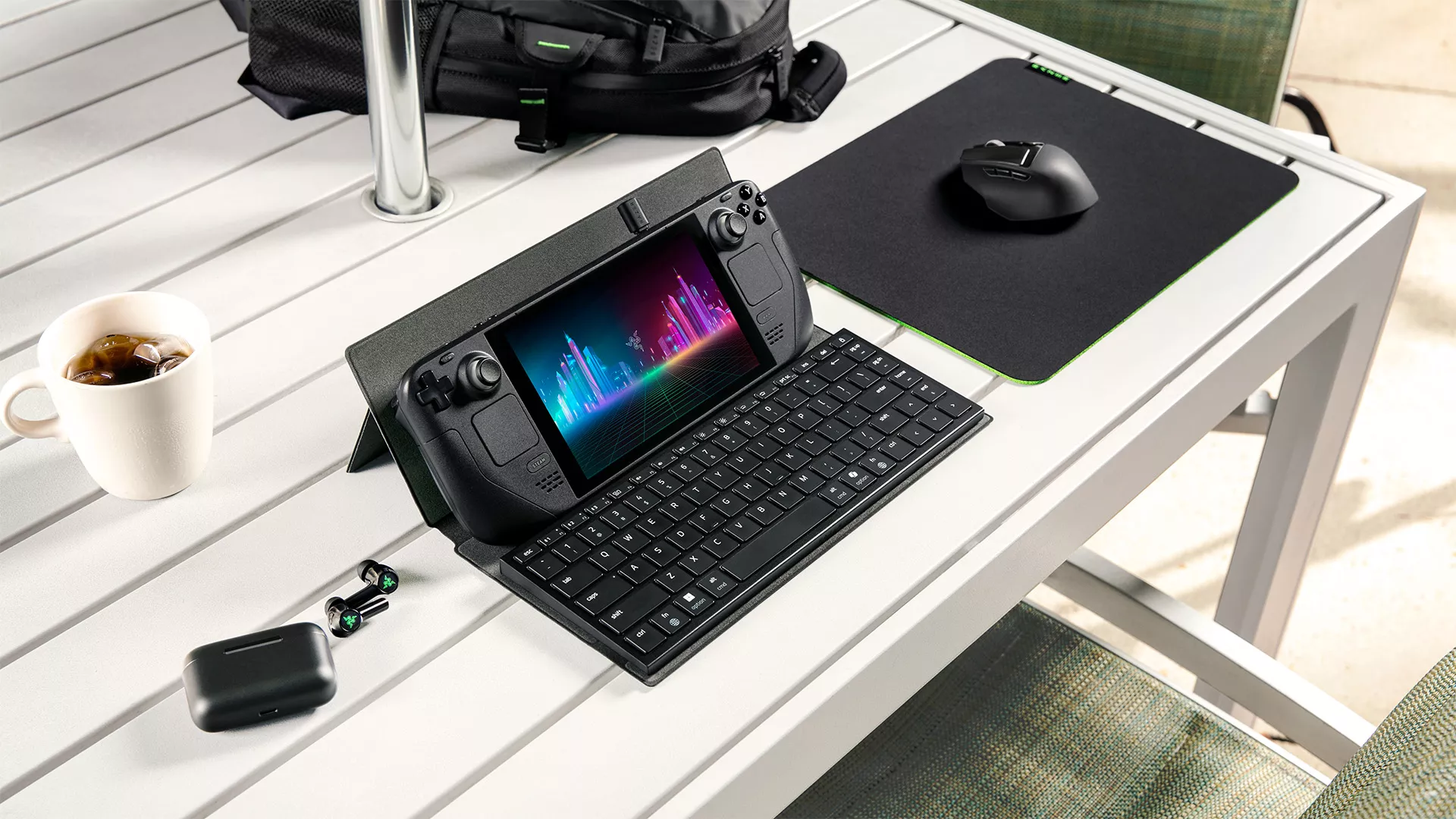
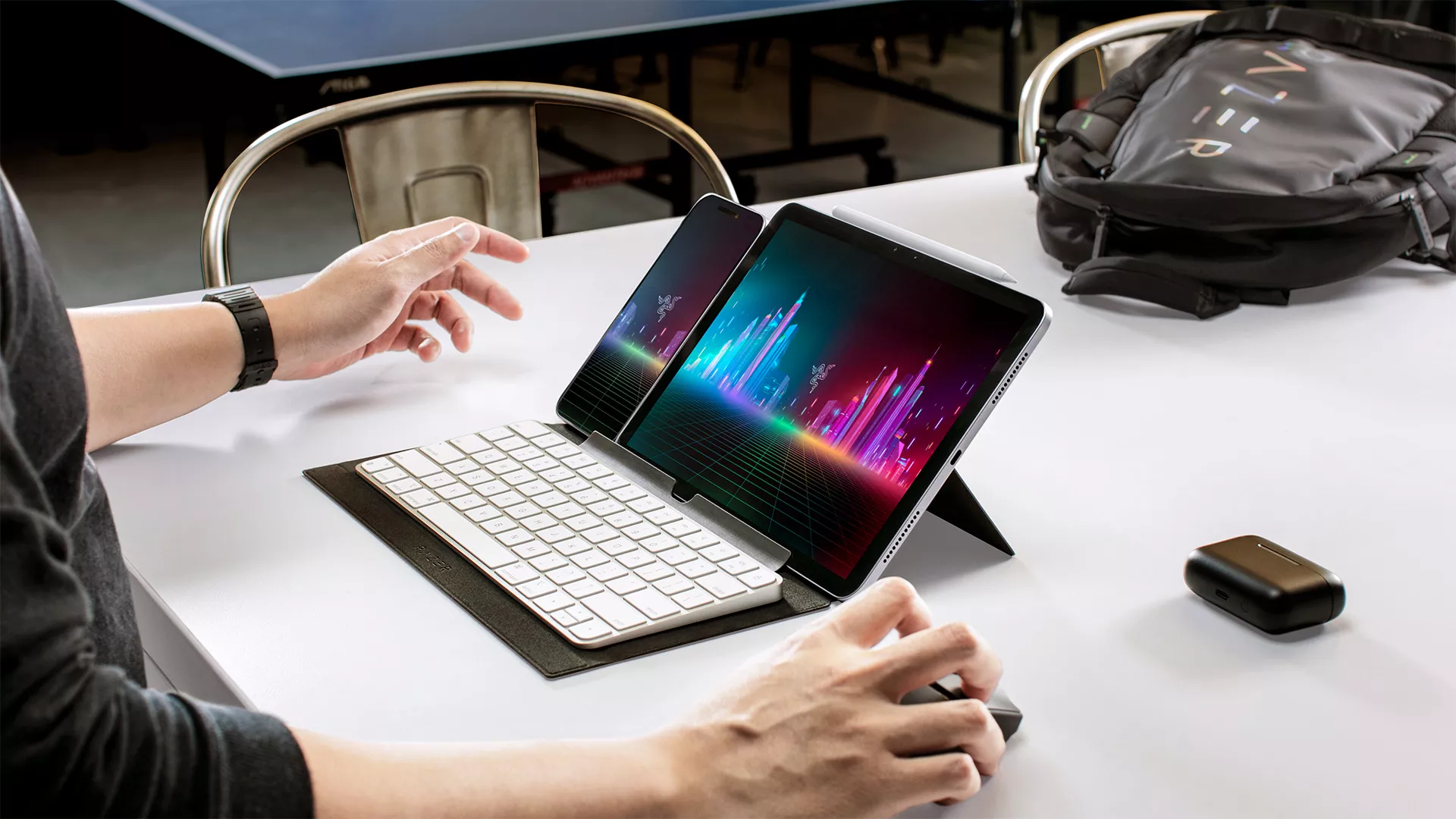
Start with the screen. Open the Razer Travel Case Folio and its built-in hinge becomes a multi-angle stand that holds tablets up to 13 inches and compatible gaming handhelds. Adjust the viewing angle around the space you have, then position your keyboard in front of it.
Prop up a Steam Deck, ROG Ally, or iPad, set the Razer Joro in front of it, and you have a compact setup that works on a café table, hotel desk, or tray table.
You can then adjust the viewing angle around the space you have, without needing to carry a separate tablet or handheld stand.
2. Pair devices you travel with
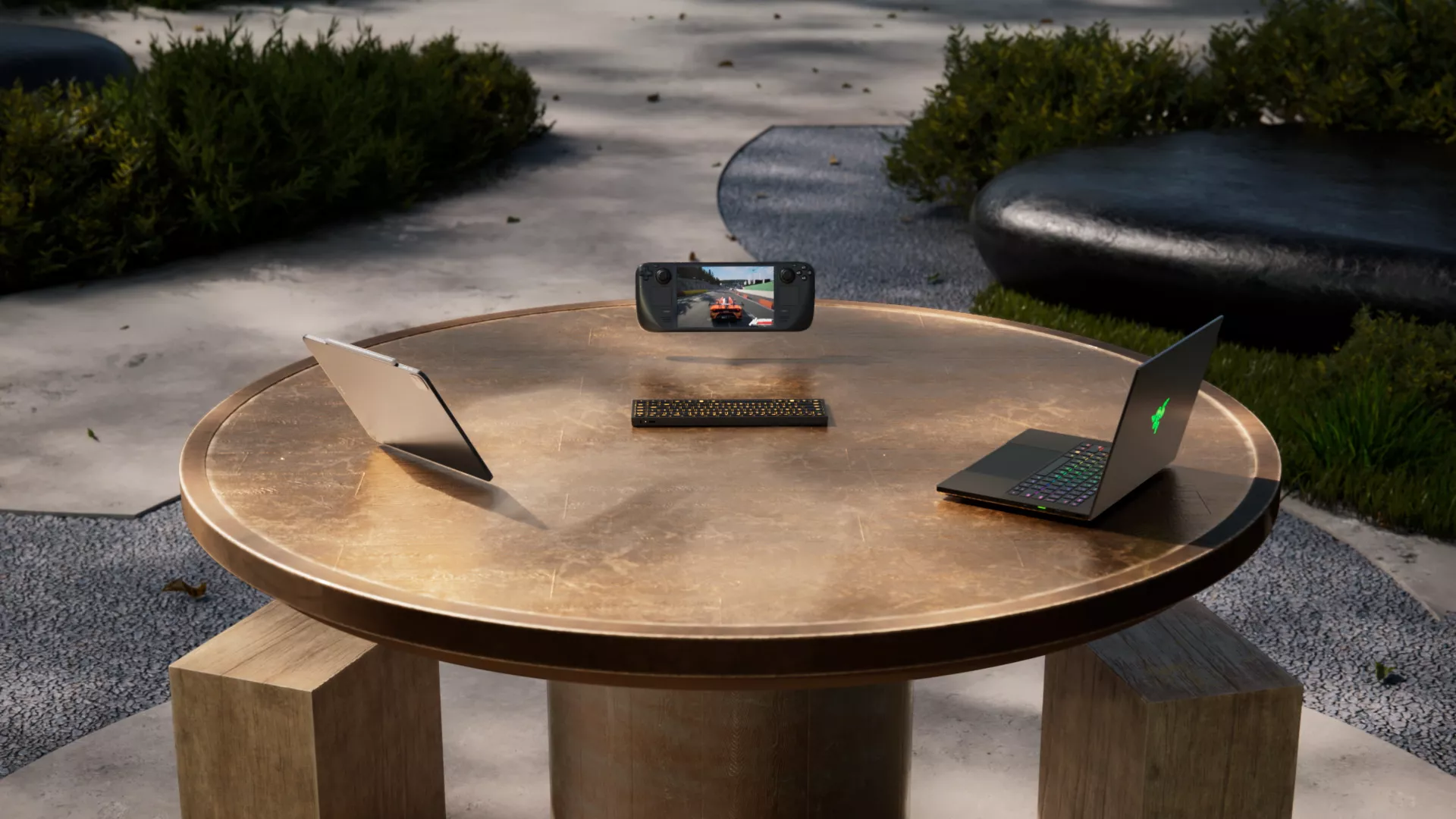
A portable setup becomes more useful when the same keyboard can move between the devices you bring with you.
The Razer Joro can connect to up to three devices over Bluetooth 5.0, so you can pair your gaming handheld, tablet, and laptop once, then switch between them using the onboard shortcuts. Press and hold F1 to F3 to pair a device, then tap the corresponding key when you want to switch back to it.
Combined with the Razer Travel Case Folio, that gives you one compact keyboard setup that can adapt to different screens throughout the day.
3. Toggle between Windows and Mac layouts
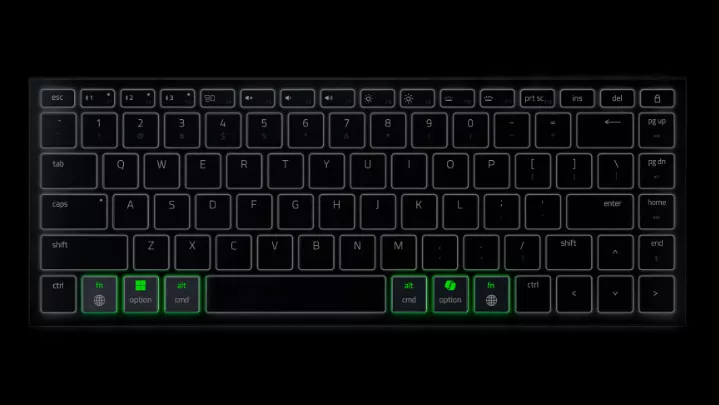
If your day moves between a MacBook and a Windows handheld or laptop, the Razer Joro can switch between both layouts with FN + Tab, with no software required.
The F1 to F3 LEDs flash to confirm the change, giving you a quick visual check of the active layout. That makes it easier to keep using the same keyboard as your device changes, instead of adjusting to a different layout each time.
4. Charge without unpacking
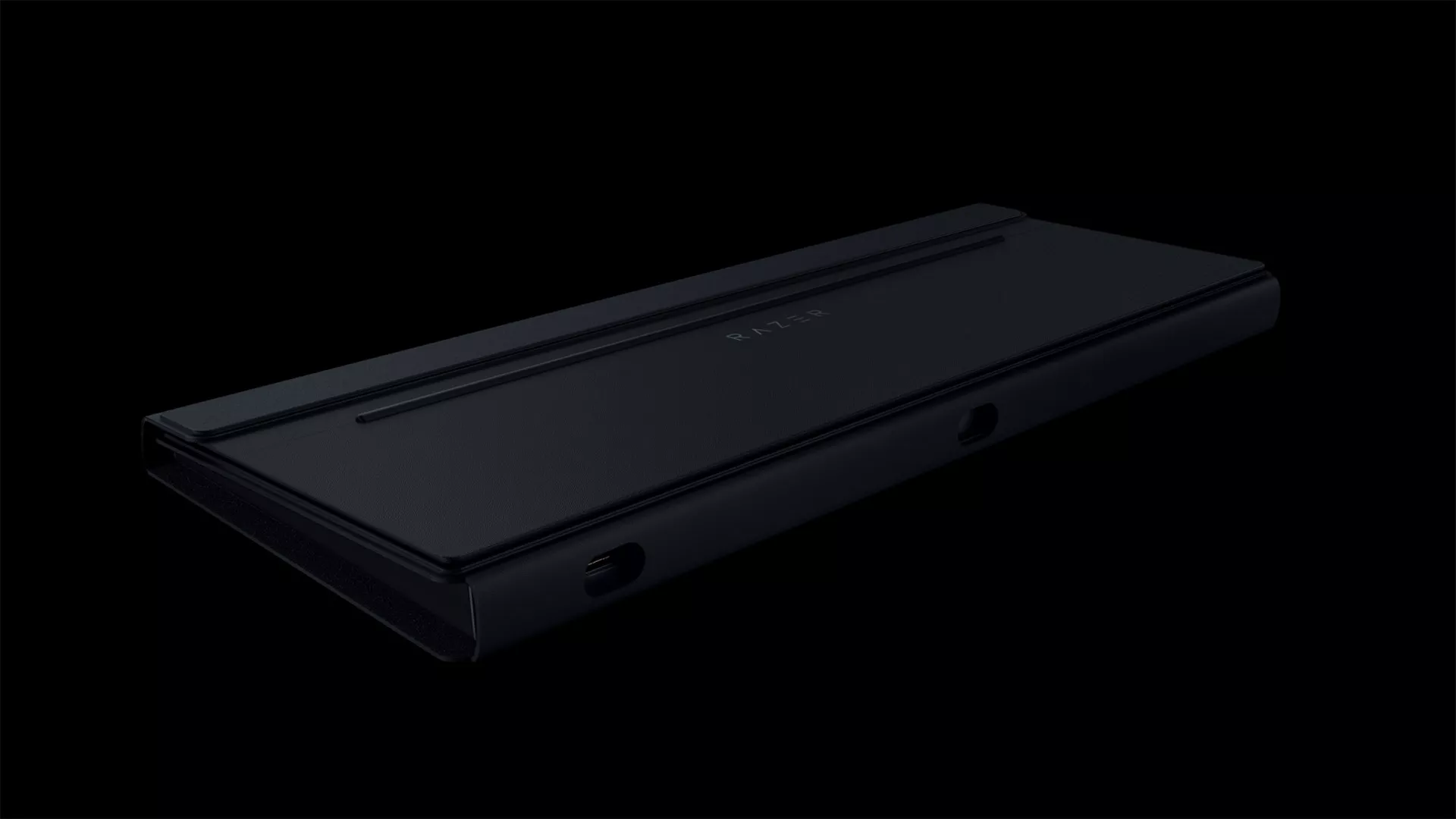
When it is time to recharge, you do not need to take the keyboard out of the case.
Precise cutouts on the Razer Travel Case Folio keep the charging port accessible while a compatible keyboard is stored inside. With the Razer Joro, you can plug it in between sessions or leave it charging while the case stays closed.
The Razer Joro also offers up to 1,800 hours on battery life in Power Saving Mode, giving you another way to extend the time between charges while traveling.
5. Pack up and protect your keyboard
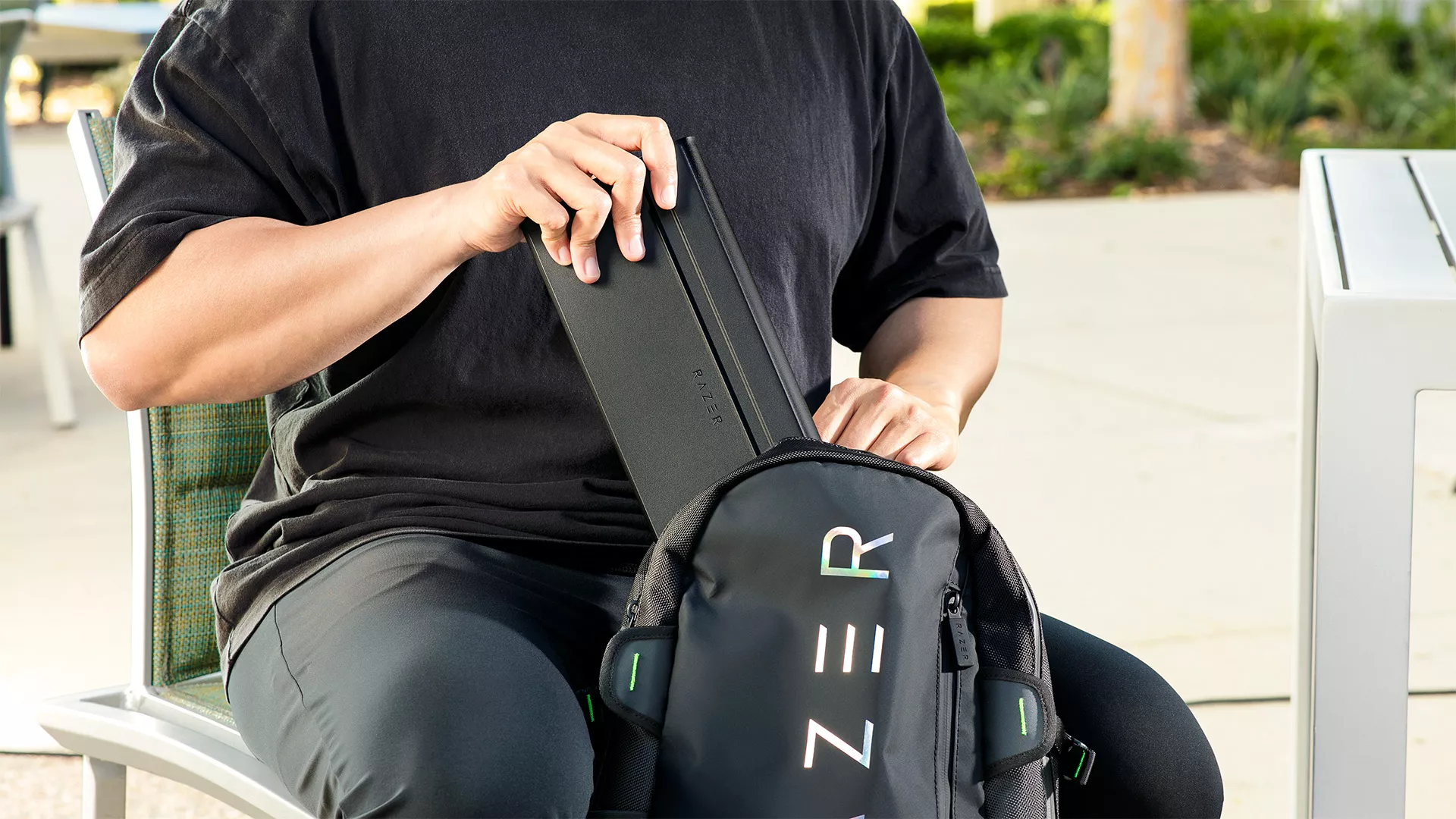
When you’re ready to move, high-strength magnets snap the Razer Travel Case Folio securely closed, while its microfiber lining helps hold your keyboard in place. securely closed, while its microfiber lining helps hold your keyboard in place.
The stain-resistant PU leather exterior adds another layer of protection against the everyday bumps and scuffs that come with carrying gear in a bag. With the keyboard stored inside, you can keep the setup together between sessions without carrying a separate keyboard case.
6. Know what fits inside
The Razer Travel Case Folio for Portable Keyboards is designed for use with the Razer Joro and compatible Magic Keyboard1 models, while also supporting other portable keyboards measuring approximately 310 mm × 115 mm × 22 mm or smaller.
That gives you some flexibility if you already have a compact keyboard you prefer to travel with.
Because third-party keyboard shapes and dimensions can vary, fit and stability are not guaranteed across every model. Check your keyboard against the supported dimensions before packing to make sure it fits securely inside the folio.
Build your setup around where you play
A portable gaming setup works best when it is easy to pack, quick to arrange, and familiar once you start playing.
The Razer Travel Case Folio for Portable Keyboards brings several of those needs together in one accessory, protecting your keyboard in transit before unfolding into an adjustable stand when you are ready to set up. Pair it with the Razer Joro or another compatible portable keyboard, and you have a setup that can move more easily between the places you already game.
Explore the Razer Travel Case Folio for Portable Keyboards and the Razer Joro.
Keyboard and device is sold separately from the Razer Travel Case Folio for Portable Keyboards
- *Magic Keyboard is a trademark of Apple Inc. ↩︎
